This Cybersecurity Guide is written by Ewa Piotrowicz, who works as a Mobile App Test Engineer and QA specialist, supporting projects at Fabres on a daily basis. Outside her core responsibilities, she runs cybersecurity awareness training – for companies, institutions, and seniors. Recently, she hosted a webinar where she asked participants a simple but unsettling question: “You click every day – but are you doing it safely?” It’s a question we should all ask ourselves. Especially since over 90% of successful cyberattacks start not with a sophisticated system breach, but with a single unconsidered click by an ordinary user. In Q4 2025 alone, Polish internet users lost nearly 183 million PLN to online fraud. Behind every one of those złotys is someone who thought it would never happen to them.
Cybersecurity doesn’t require an IT degree. It requires something else entirely: the right mindset and a handful of habits you can start building today.
What Is a Cybersecurity Awareness Mindset – and Why It’s Not Just an IT Department Problem
When you hear the word “cybersecurity,” you probably picture hoodie-clad hackers, complex code, and corporate IT teams. But the biggest threat online isn’t technology – it’s people. All of us, every single day.
Cybersecurity is a combination of technology, processes, and conscious human decisions. No antivirus or firewall can replace that third element.
A cybersecurity awareness mindset is the habit of consciously recognising digital threats and making safer decisions in everyday situations – while reading emails, scrolling through social media, or downloading files. It’s not about technical expertise. It’s about one reflex: stop before you react.
Cybercriminals operate primarily through social engineering – the art of influencing people, not machines or systems. Their main tools are emotions: surprise, fear, urgency. Attacks work best when you’re distracted or in a hurry. Simply being aware of this mechanism is already half the battle.
What Do Cybercriminals Actually Want? Know What’s at Stake
Before we get into specific attack methods, it’s worth understanding what criminals are actually after. Cybercriminals target:
- Financial data – payment card numbers with expiry dates and CVC codes, online banking credentials, BLIK codes
- Access credentials – logins and passwords for email, social media platforms, streaming services
- Identity data – ID card numbers and series, national ID numbers, dates of birth – everything needed to steal your identity
- Session data – browser cookies, authorisation tokens and active sessions that allow someone to access your account without ever knowing your password
That last one is particularly dangerous, because victims often have no idea anything happened – until it’s too late.
Phishing: The Cheapest and Most Effective Cyberattack
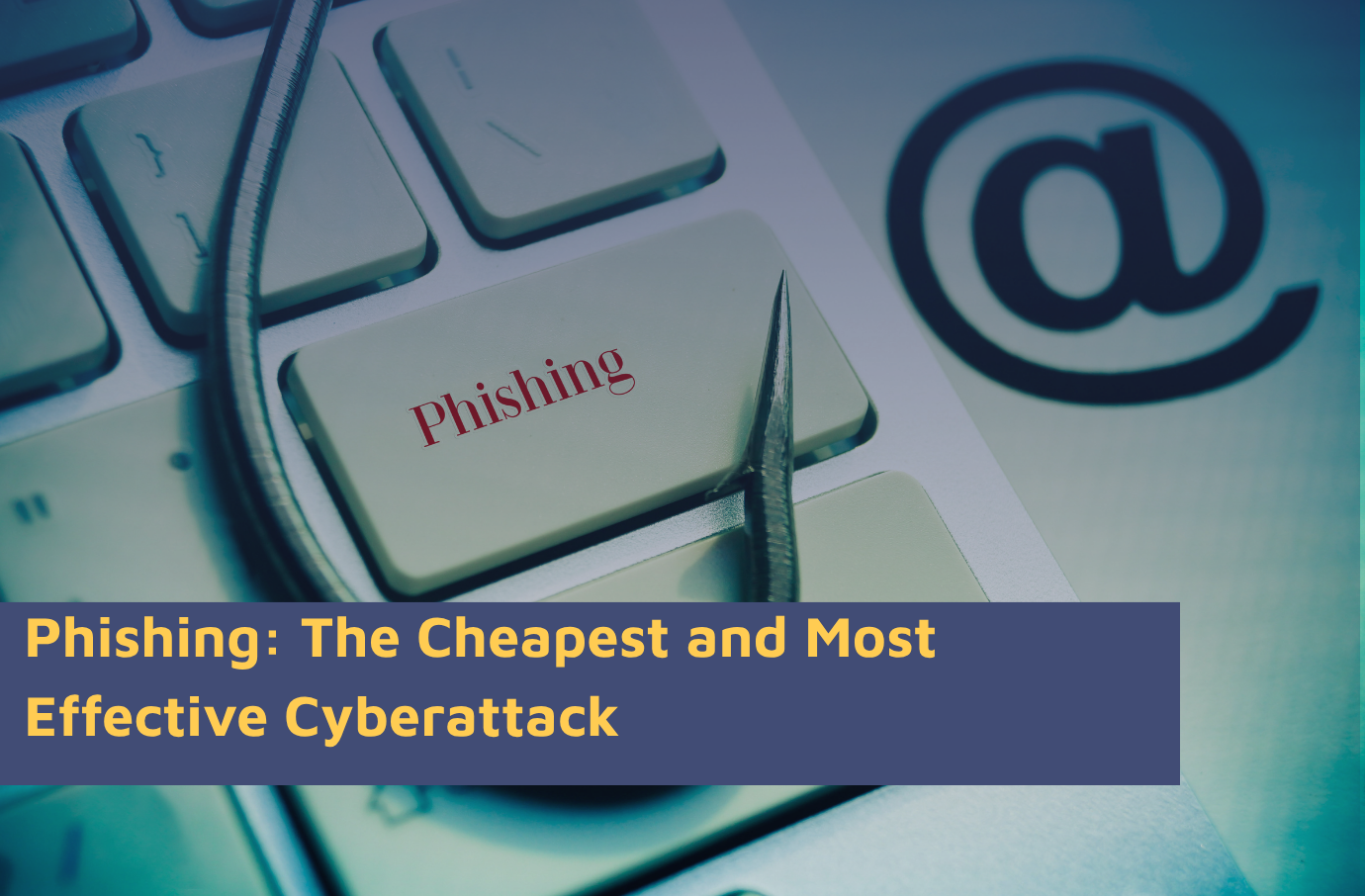
Phishing is a method of stealing data by impersonating trusted people or institutions. According to CERT Polska’s report, over 78,000 phishing incidents were recorded in 2025 – accounting for 30% of all registered security events in Poland.
Phishing keeps working because it targets emotions, not technical knowledge. And because it never stops evolving.
The Fake Tax Refund – a Classic That Still Catches People Out
Imagine receiving an email from the “e-Tax Office” informing you of a tax refund worth 983 PLN. The message looks official, is written in correct Polish, carries the gov.pl logo, and invites you to click a link to “speed up the transfer.” The problem? The sender’s address is support@widok.justsport.it, and the link leads to a fake page designed to harvest your banking login or card details.
The mechanism is always the same: the message triggers a positive or negative emotion (gain or threat), creates a sense of urgency, and pushes you to click before you have time to think.
The Fake Invoice with Malware Attached
Another common scheme involves an email with a seemingly innocent PDF attachment labelled “Invoice Due.” Opening the document reveals blurred content and a “View on Adobe” button leading to a fake Adobe PDF Online page – complete with a login form that captures your email or service credentials.
How to Spot Phishing: the Anti-Phishing Mindset in Practice
Before you click any link in an email:
- Check the sender’s address – not the display name, but the actual email address after the @ symbol. The Ministry of Finance does not send emails from justsport.it.
- Hover over the link (without clicking) – the bottom left corner of your browser or email client will show you where it actually leads. You can also copy the link and check it at virustotal.com.
- Ask yourself: was I expecting this message? Does this institution normally contact me this way?
- Don’t act under time pressure – “Offer expires in 2 hours” is a classic manipulation tactic, not a reason to rush.
The ClickFix Attack – When You Install Malware on Your Own Device
One of the most cunning attacks of recent years requires no system breach whatsoever. It simply requires you to follow a few seemingly innocent steps yourself.
Here’s how it works: you land on a page offering something appealing – a free film, an exclusive article, “leaked” salary data from a competitor. The page displays a fake CAPTCHA asking you to confirm you’re not a robot. After clicking, an instruction appears: press Windows + R, paste the text from your clipboard, and hit Enter.
What you don’t see: the moment you clicked “confirm,” the page silently copied a malicious system command to your clipboard. By pasting it into the Run window, you install malware on your own computer – typically a so-called stealer, which quietly harvests your passwords, browsing history, cookies, Discord tokens, cryptocurrency wallet data and email files.
The golden rule: a real CAPTCHA will never ask you to leave the browser or run system commands. If anything asks you to paste text you didn’t write yourself – it’s an attack.
Deepfakes and AI-Generated Misinformation – How to Avoid Being Manipulated
A deepfake is a piece of realistic but entirely fabricated video or audio content generated using artificial intelligence. Today’s results are convincing enough to fool even vigilant viewers.
How Deepfakes Are Used to Commit Fraud
There are several use cases, but they all share one goal – manipulation:
- CEO fraud – an employee receives fake video or audio impersonating a senior executive, with instructions to make an urgent transfer. Engineering firm Arup lost the equivalent of £20 million this way. A Hong Kong employee spent an entire video call talking to AI – and had no idea.
- Fake advertisements – deepfake videos featuring the faces of well-known athletes or journalists promote investment platforms that either don’t exist or exist solely to steal money.
- Political disinformation – before elections or during armed conflicts, AI-generated footage of politicians saying things they never said spreads rapidly across social media.
How to Spot a Deepfake
An anti-deepfake mindset works on two levels:
Technical analysis of the material:
- unnatural facial expressions out of sync with speech rhythm
- strange head or eye movements
- linguistic errors, distorted voice, mechanical-sounding audio
- inconsistent lighting on the face relative to the background
Analysis of the message itself:
- does the content promise quick financial gains or rely on authority?
- is it targeted at a specific group and designed to trigger emotion?
- did it appear suddenly and spread widely without any verification?
If you come across suspicious content online, you can report it through the NASK form at zglos-dezinformacje.nask.pl
Social Media and Privacy – What Does the Internet Know About You?
Your Facebook, Instagram or LinkedIn profile can be a goldmine for a cybercriminal. Posts, photos, comments, location tags, job information, travel updates – all of it helps build a detailed picture of a potential victim and craft a precise, convincing attack.
Cybercriminals regularly monitor professional profiles of people whose accounts, if compromised, would give access to company resources. Using publicly available information, they can write a phishing message so contextually accurate that the recipient has no reason to suspect anything is wrong.
Travel and location information is particularly risky – not just because it reveals your habits, but because it signals when you’re away from home.
How to Audit Your Social Media Privacy in 10 Minutes
This exercise might seriously surprise you:
- Log out of all accounts
- Open Google and search: first name last name site:facebook.com (or site:instagram.com, site:linkedin.com)
- Look through the results as if you were a complete stranger – what do you see? Photos, workplace, city, family relationships?
- Ask yourself whether that information should be visible to the entire internet
- If not – update your privacy settings
It’s also worth enabling two-factor authentication (2FA) wherever possible. Even if someone learns your password, they won’t be able to access your account without the second factor.
Watch Out for AI in Ads and App Settings
Criminals frequently impersonate popular AI tools – ChatGPT, Sora, Midjourney. Enticing social media ads encourage users to download a “free version” of an image or video generator. After installation, nothing seems to happen from the user’s perspective. In the background, a stealer installs itself.
The rule is simple: only download software from official manufacturer websites. Never from social media ads.
It’s also worth checking the privacy settings of the apps you use. Many platforms – including Gmail and LinkedIn – enable data-sharing for AI training by default. These options can be turned off in privacy settings, but only if you actively look for them.
Cybersecurity Checklist – What You Can Do Today
A practical list of actions you can implement immediately, with zero technical knowledge:
- Enable 2FA on your email, banking and social media accounts
- Check sender addresses in emails – not just the display name, but the actual address
- Don’t click links in emails about payments, refunds or overdue accounts – go directly to the website through your browser instead
- Never paste commands into your system that you don’t understand and didn’t write yourself
- Download software only from official sources
- Don’t trust social media ads promoting AI tools or investment platforms
- Audit the privacy settings of your social media profiles
- Report suspicious content to NASK at zglos-dezinformacje.nask.pl
- Before sending anyone a BLIK code via Messenger – call them and confirm it’s really them
- Remember: urgency and time pressure are manipulation tactics, not reasons to act fast
Cybersecurity isn’t a one-time training or the right software purchase. It’s a habit – built slowly, through small daily decisions. Every pause before clicking, every sender verification, every moment you ask yourself “does this make sense?” builds a layer of defence that no hacker can break through with a single email.
Data based on:
1.RAPORT ROCZNY 2025 z działalności CERT Polska Krajobraz bezpieczeństwa polskiego internetu